
一、详情标签
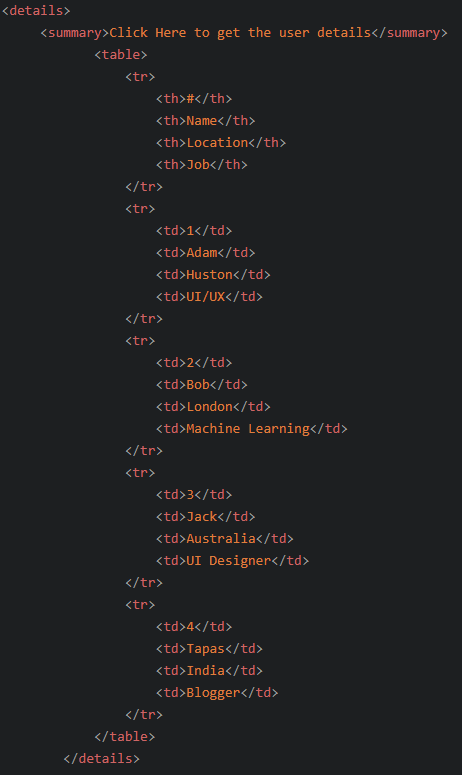
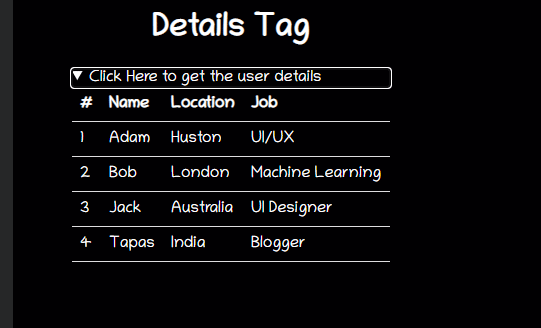
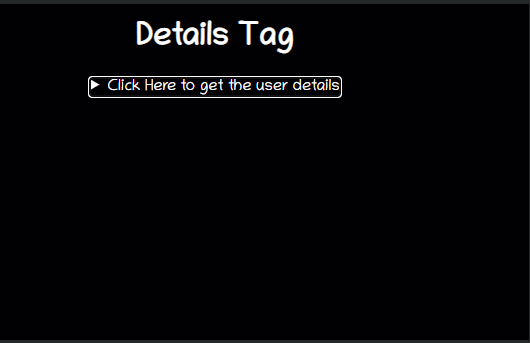
该`<details>`标签向用户提供按需详细信息。如果您需要按需向用户显示内容,请使用此标签。默认情况下,小部件是关闭的。打开时,它会展开并显示其中的内容。
该`<summary>`标签用于`<details>`为它指定一个可见的标题。
二、内容可编辑
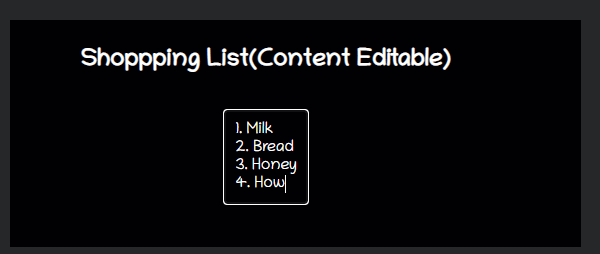
contenteditable是可以在元素上设置以使内容可编辑的属性。(设置true/false)
三、标记内容
使用`<mark>`标签突出显示任何文本内容。
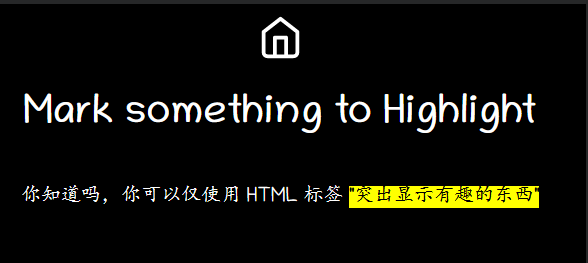
mark { background-color: green; color: #FFFFFF; }
四、范围(滑块)
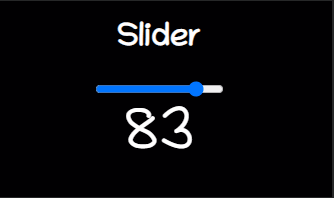
`range`是给定滑块类型范围选择器的输入类型。
<form method="post">
<input
type="range"
name="range"
min="0"
max="100"
step="1"
value=""
onchange="changeValue(event)"/>
</form>
<div class="range">
<output id="output" name="result"> </output>
</div>
五、地图
`<map>`标签有助于定义图像映射。图像映射是其中包含一个或多个可点击区域的图像。地图标签带有一个`<area>`标签来确定可点击区域。可点击区域可以是这些形状、矩形、圆形或多边形区域之一。如果您不指定任何形状,它会考虑整个图像。
```
<div>
<img src="circus.jpg" width="500" height="500" alt="Circus" usemap="#circusmap">
<map name="circusmap">
//shape=形状 ;coords=区域座标列表 href="URL资源地址"
<area shape="rect" coords="67,114,207,254" href="elephant.htm">
<area shape="rect" coords="222,141,318, 256" href="lion.htm">
<area shape="rect" coords="343,111,455, 267" href="horse.htm">
<area shape="rect" coords="35,328,143,500" href="clown.htm">
<area shape="circle" coords="426,409,100" href="clown.htm">
</map>
```
</div>
[https://wanghao221.github.io/html-tips-tricks/map/](https://wanghao221.github.io/html-tips-tricks/map/)
- markdown
- 前端技术
- fiddler抓包
- thingjs项目设计
- 目录结构
- thingjs 模型
- 开发规范
- thingjs引入vuejs
- uniapp性能优化
- 防抖与节流
- uniapp 使用高德地图做路径规划不生效解决方法
- 5个CSS编程坏习惯
- echarts 刮刮乐
- jquery轮播图
- uniapp滚动问题
- 5 个不常提及的 HTML 技巧
- Http 缓存简介
- canvas像素操作
- Chrome 调试技巧
- H5隐藏特性
- vue 实战中的一些小技巧
- vue-video-player组件
- JS循环大总结
- vue自定义指令1
- 剩余运算符,扩展运算符(...)用法
- 后端技术
- 面向对象
- linux
- docker
- centos
- CentOS7安装MySQL
- CentOS7安装php
- 阿里云
- 添加宝塔
- 添加子域名
- ssl证书部署
- Liunx常用的命令
- php
- 项目常见问题总结
- 开发规范
- 9个PHP小技巧
- php生成二维码
- 算法
- 经纬度计算距离
- Kmp算法
- mysql
- 索引
- 索引概述及优势
- 索引结构
- 事务
- mysql 数据库任务计划
- 接口
- RESTful API接口设计标准及规范
- 保证接口的安全
- 了解DOS/DDOS/CSRF/XSS攻击
- 防止攻击
- mongoDB
- 安装
- Docker 安装 MongoDB
- 安装扩展
- docker安装mongodb扩展
- supervisor
- 自动化开发
- 接口字典代码配置
- 建模
- three模型展示
- 应用市场
- 应用宝上架流程
- vivo上架流程
- 华为上架流程
- 小米上架流程
- android 获取应用签名
- git部分
- git 基本操作命令
- git解决冲突
- 打包那些事
- electron
- android系统进程保活