
## **描述**
抖动特效,执行后目标窗口会产生抖动效果。
## **语法**
Shake(*[shakeShift = Both[, shakeRepeats = 30[, shakePads = 10[, shakeInterval = 25]]]]*)
**该语法中有下列命名参数:**
| 参数 | 描述 |
| --- | --- |
| shakeShift | 可选的。enumShift类型,表示移动的方向。如果忽略,缺省值是 Both,它表明左右移动。关于enumShift类型的介绍请参考下面“**enumShift类型的设置值**”表的介绍。 |
| shakeRepeats | 可选的。Long类型,表示移动次数。如果忽略,缺省值是 30,它表明默认移动30次。 |
| shakePads | 可选的。Long类型,表示移动幅度。如果忽略,缺省值是 10,它表明移动10像素,如果指定左右则表示左右移动10像素 |
| shakeInterval | 可选的。Long类型,表示移动时间(毫秒)间隔,也可以看做频率。如果忽略,缺省值是 25,它表明每25ms移动一下 |
**enumShift类型的设置值:**
| 常数 | 值 | 描述 |
| --- | --- | --- |
| Horizontal | 0 | 横向抖动 |
| Vertical | 1 | 纵向抖动 |
| Both | 2 | 纵向和横向都抖动 |
**特效方法集锦:**
[FadeIn方法的说明](FadeIn方法.md)
[FadeOut方法的说明](FadeOut方法.md)
[Shake方法的说明](Shake方法.md)
## **示例**
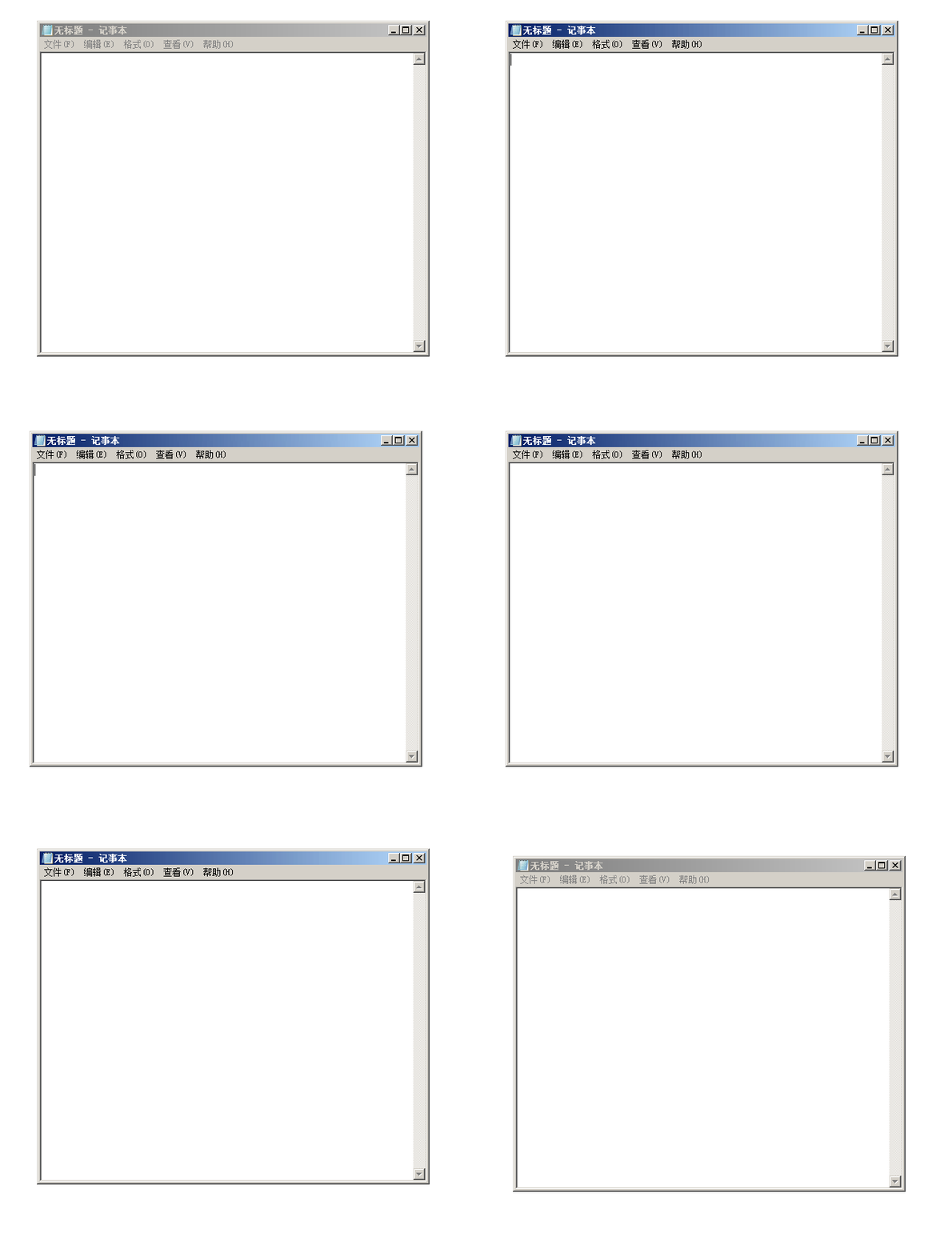
> 说明:请先打开任意一个记事本,然后运行下面代码。注意比较每个抖动模式的区别。
```
Dim w As New clsWindow
If w.GetWindowByClassName("Notepad").hWnd <> 0 Then
w.Normal '窗口正常
w.Focus '设置为活动窗口
w.Shake '默认抖动
w.Shake Horizontal '横向抖动
w.Shake Vertical '纵向抖动
w.Shake , , 150 '抖动幅度为150像素
w.Shake , 5, , 500 '抖动5次,并且每隔500毫秒抖动一次
End If
```
- 关于clsWindow
- 一、获取窗口
- GetWindowByTitle 函数
- GetWindowByTitleEx 函数
- GetWindowByClassName 函数
- GetWindowByClassNameEx 函数
- GetWindowByPoint 函数
- GetWindowByAppName 函数
- GetWindowByAppNameEx 函数
- GetWindowByCursorPos 函数
- GetWindowByPID 函数
- GetWindowByHwnd 函数
- Load 函数(同GetWindowByHwnd)
- 二、操作窗口
- Focus 方法
- SetFocus 方法(同Focus)
- FadeIn 方法
- FadeOut 方法
- Transparent 函数
- SetTransparent 函数(同Transparent)
- MakeTransparent 函数(同Transparent)
- Shake 方法
- CloseWindow 函数
- ClassName 属性
- Caption 属性
- Text 属性(同Caption)
- Title 属性(同Caption)
- Value 属性(同Caption)
- ZOrder 方法
- Left 属性
- Top 属性
- Width 属性
- Height 属性
- Visible 属性
- Enabled 属性
- WindowState 属性
- AlphaBlend 属性
- TransparentColor 属性
- CheckWindow 函数
- Move 函数
- MoveToCenter 函数
- Show 函数
- Hide 函数
- Refresh 方法
- SetPosBottom 函数
- SetPosFront 函数
- SetPosNormal 函数
- SetTop 函数
- IsTopMost 函数
- IsForegroundWindow 属性
- Maximized 函数
- Minimized 函数
- Normal 函数
- Restore 函数(同Normal)
- 三、操作控件
- GetElementHwndByText 函数
- GetElementHwndByClassName 函数
- GetElementTextByText 函数
- GetElementTextByClassName 函数
- GetClassNameByHwnd 函数
- GetTextByHwnd 函数
- GetCaptionByHwnd 函数(同GetTextByHwnd)
- SetElementTextByText 函数
- SetElementTextByClassName 函数
- SelectComboBoxIndex 函数
- AppendElementTextByClassName 函数
- Click 函数
- ClickElementByText 函数
- ClickElementByClassName 函数
- SendKeys 方法
- Paste 方法
- FileToClipboard 函数
- ClipboardSetText 函数
- 四、鼠标坐标相关
- ClickCurrentPoint 方法
- ClickPoint 方法
- ClickPointBackground 方法
- SetCursor 方法
- MoveCursor 方法(同SetCursor)
- MoveCursorTo 方法(同SetCursor)
- SetPoint 方法(同SetCursor)
- GetCursorPoint 函数
- GetCursorPosCurrent 函数(同GetCursorPoint)
- MouseLeftDown 方法
- MouseLeftUp 方法
- MouseRightDown 方法
- MouseRightUp 方法
- DragTo 方法
- DragToEx 方法
- 五、应用程序相关
- AppPath 函数
- AppName 函数
- IsWin64 函数
- CommandLine 函数
- AppCommandLine 函数(同CommandLine)
- CloseApp 函数
- ProcessID 函数
- PID 函数(同ProcessID)
- 六、公有方法属性等
- hWnd 公有变量
- DebugMe 公有变量
- Wait 方法
- Version 方法
- 使用范例
- 01 控制微信发送消息
- 02 控制QQ发送消息
- 03 QQ登录器
- 04 花式调用计算器
- 05 用鼠标在画图工具上画圆
- 06 控制记事本输入并保存
- 07 随机移动鼠标防锁屏
- 08 根据ID进入腾讯课堂
- 09 限制程序重复打开
- 10 控制c2p软件将ceb转换为pdf格式
- 11 实战:微便签-窗口特效
- 12 实战:窗口图钉-窗口置顶
- 13 实战:微型按键精灵,录制和播放鼠标动作
- 一些Q&A
- 01 这个框架是免费的吗?
- 02 无句柄的控件元素如何操作?
- 03 目标窗体中有相同类名输入框如何区分填写?
- 04 为什么win10下最大化不生效?
- 05 如何确定绝对或相对坐标?
- 06 相同标题的窗口如何得到所有句柄?
- 联系我们